DISCLOSURE: This post may contain affiliate links, meaning we receive a commission when you click the links and make a purchase. Thank you for your support!
Updated – 31/07/2026 – I am happy to announce that the 2nd Edition of the Exam SC-200 Microsoft Security Operations Analyst (Video) has been released on Microsoft Press, which is aligned with the latest official SC-200 Exam Study Guide: Microsoft Security Operations Analyst by Microsoft Learn.
Kickstart your Microsoft security journey with the Exam SC-200 Microsoft Security Operations Analyst preparation and build the foundation for your journey to becoming a Microsoft Certified Security Operations Analyst Associate.
Over the last several months, I’ve been actively working on the 2nd Edition of my Microsoft Press learning video course – Exam SC-200 Microsoft Security Operations Analyst.
I am so happy and grateful to share that the video course is officially published on the Microsoft Press Store, InformIT by Pearson, and the LinkedIn Learning platforms.
Table of Contents
Introduction
The Microsoft Security Operations Analyst reduces organizational risk by performing triage, responding to incidents, hunting for threats, and engineering detections. They monitor, identify, investigate, and respond to threats in multi-cloud and on-premises environments by using Microsoft Defender XDR, Microsoft Sentinel, Microsoft Entra ID, Microsoft Purview, and Microsoft Defender for Cloud workload protections. They perform hunting using KQL and automate threat responses. The Security Analyst also collaborates with business and security leadership to define security standards and works across the digital enterprise to implement them.
SC-200 is a crucial exam because it helps you master the advanced concepts of security operations across Microsoft Defender XDR, Microsoft Sentinel, Microsoft Defender for Cloud, Microsoft Entra ID, and Microsoft Purview. This course covers all current SC-200 Microsoft Security Operations Analyst certification exam objectives, updated as of the July 28, 2026, objectives refresh.

// Related: Microsoft Press Learning Course – Exam AZ-700 Designing and Implementing Azure Networking.
With over 8+ hours of content, this course is divided into 9 lessons to ensure it aligns with the official exam requirements published by Microsoft Learn.
Who Should Take This Course
This course is designed for Security Operations analysts, Azure administrators, and Windows and Linux operators. It is also for IT professionals looking to enhance their knowledge of Microsoft Defender XDR, Microsoft Defender for Cloud, Microsoft Sentinel, Microsoft Entra ID, and Microsoft Purview.
This is an intermediate-level course.
Exam SC-200 Sample Content
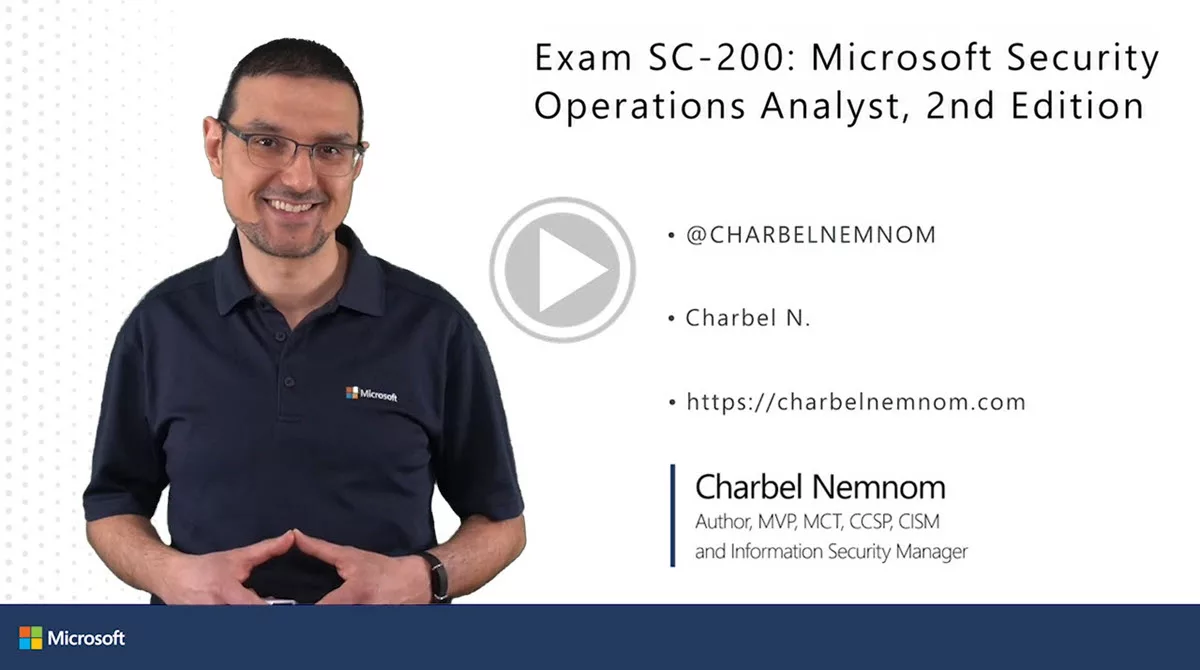
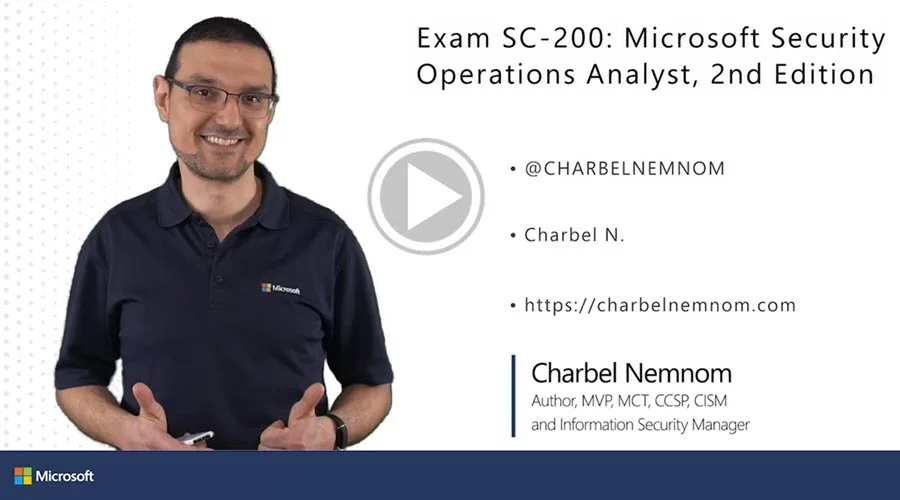
Feel free to watch the floating sample videos on this page for a sneak peek at what you will learn in this 2nd edition of this course.
Course Requirements
To get the maximum out of this training course, you should be familiar with the following concepts:
• Basic understanding of Microsoft 365, Azure cloud services, Windows, Linux, and mobile operating systems, and security information and event management (SIEM) solutions.
• Fundamental understanding of Microsoft security, compliance, and identity products.
• Familiarity with AI agents and Copilots.
What You Will Learn
What you will learn in the SC-200 video course. Check out the following Table of Contents and details on what this course covers and what to expect to learn after watching it. The nine lessons map to the three official exam domains:
- Manage a security operations environment (40–45%)
- Respond to security incidents (35–40%)
- Perform threat hunting (20–25%)
Lesson 1: Configure Automation for Microsoft Defender XDR and Microsoft Sentinel
1.1 Configure email notifications in Microsoft Defender XDR, including incidents, actions, and threat analytics
1.2 Configure alert notifications in Microsoft Defender XDR, including tuning, suppression, and correlation
1.3 Configure Microsoft Defender for Endpoint advanced features
1.4 Configure rules settings in Microsoft Defender for Endpoint
1.5 Configure custom data collection in Microsoft Defender for Endpoint
1.6 Configure security policies for Microsoft Defender for Endpoint, including ASR rules
1.7 Manage automated investigation and response capabilities in Microsoft Defender XDR
1.8 Configure automatic attack disruption in Microsoft Defender XDR
1.9 Configure and manage device groups, permissions, and automation levels in Microsoft Defender for Endpoint
1.10 Create and configure automation rules in Microsoft Sentinel
1.11 Create and configure Microsoft Sentinel playbooks
Lesson 2: Configure the Microsoft Sentinel SIEM and Platform
2.1 Specify Microsoft Sentinel roles
2.2 Manage data retention for XDR and Microsoft Sentinel tables, including analytics, data lake, and XDR tiers
2.3 Create and configure Microsoft Sentinel workbooks
2.4 Optimize the Microsoft Sentinel platform, including SOC optimization recommendations
Lesson 3: Ingest Data into the Microsoft Sentinel SIEM and Platform
3.1 Select data connectors based on data source requirements, including Windows logs and security events
3.2 Configure collection of Windows Security events by using Windows Security Events via AMA, including data collection rules
3.3 Plan and configure collection of Windows Security events by using WEF
3.4 Plan and configure Syslog via AMA and CEF via AMA connectors
3.5 Configure collection of Azure activities by using Azure Policy and resource diagnostic settings
3.6 Ingest threat indicators into Microsoft Sentinel
3.7 Create custom log tables in the workspace to store ingested data
Lesson 4: Configure Detections in Defender XDR and Sentinel
4.1 Create custom detection rules by using Advanced Hunting in Microsoft Defender XDR
4.2 Manage custom detection rules in Microsoft Defender XDR
4.3 Configure and manage analytics rules in Microsoft Sentinel SIEM, including scheduled, NRT, threat intelligence, and machine learning
4.4 Analyze attack vector coverage by using the MITRE ATT&CK matrix
4.5 Configure anomalies in Microsoft Sentinel
Lesson 5: Respond to Alerts and Incidents in Microsoft Defender XDR
5.1 Investigate and remediate threats by using Microsoft Defender for Office 365, including automatic attack disruption
5.2 Investigate and remediate threats or compromised entities identified by Microsoft Purview
5.3 Investigate and remediate alerts and incidents identified by Microsoft Defender for Cloud workload protections
5.4 Investigate and remediate security risks identified by Microsoft Defender for Cloud Apps
5.5 Investigate and remediate compromised identities that are identified by Microsoft Entra ID
5.6 Investigate and remediate security alerts from Microsoft Defender for Identity
5.7 Investigate and remediate alerts and incidents identified by Microsoft Sentinel
5.8 Investigate incidents by using agentic AI, including embedded Microsoft Security Copilot
5.9 Investigate complex attacks, such as multi-stage, multi-domain, and lateral movement
5.10 Manage security incidents by using case management
Lesson 6: Respond to Alerts and Incidents in Microsoft Defender for Endpoint
6.1 Investigate device timelines
6.2 Perform actions on the device, including live response and collecting investigation packages
6.3 Perform evidence and entity investigation
6.4 Investigate and remediate incidents identified by automatic attack disruption
Lesson 7: Investigate Microsoft 365 Activities to Identify Threats
7.1 Investigate threats by using Microsoft Purview Audit
7.2 Investigate threats by using Content search in Microsoft Purview eDiscovery
7.3 Investigate threats by using Microsoft Graph activity logs
Lesson 8: Detect Threats by Using Microsoft Defender XDR
8.1 Identify the appropriate table to use in a KQL query
8.2 Identify threats by using KQL
8.3 Create Advanced Hunting queries
8.4 Interpret threat analytics in Microsoft Defender XDR
8.5 Create hunting graphs, including blast radius
8.6 Analyze relationships between entities by using Sentinel Graph
Lesson 9: Detect Threats by Using the Microsoft Sentinel Platform
9.1 Create and monitor hunting queries
9.2 Create and manage KQL jobs in data lake
9.3 Create and manage Summary rule tables for querying
9.4 Hunt for threats by using Notebooks, including connection to the Sentinel MCP Server
Acknowledgments
Video learning courses don’t record, edit, and publish themselves. I would like to say a big thank you to my wife and family for their support and patience while I was busier than usual over the past year and for always supporting the crazy things I want to do. They are the reason that I can fulfill my dream and follow my passion. I also have to thank my employer, itnetX (Switzerland) AG, for their continuous support.
Certainly, the learning course wouldn’t have been possible without the Microsoft Press and Pearson Academic teams supporting all the instructors in running different projects simultaneously.
I want to say a big thank you to the Executive Editor, IT Professional Laura Lewin, Assistant Editor, IT Professional Jackleen Sougrakpam, Senior Producer Sean Donelson, Content Producer Mary Roth, Video Producer Pete Vilotti, and the entire designer, video editor, and graphics team (if I’ve missed anyone, I’m truly sorry).
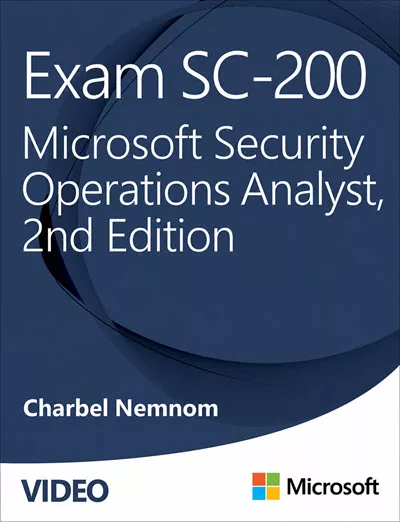
Exam SC-200 Microsoft Security Operations Analyst (Video), 2nd Edition
8+ hours of video training for the Microsoft Security Operations Analyst (SC-200) certification, fully updated for the latest exam objectives. Learn how a security operations analyst reduces organizational risk — performing triage, responding to incidents, hunting threats with Kusto Query Language (KQL), and engineering custom detections across Microsoft Defender XDR, Microsoft Sentinel, Microsoft Defender for Cloud, Microsoft Entra ID, and Microsoft Purview.
This second edition covers the unified security operations experience in the Microsoft Defender portal and incident investigation with agentic AI and embedded Microsoft Security Copilot.
Are you ready to take the SC-200 exam?
We highly encourage you to get access to this course directly from the Microsoft Press store, InformIT by Pearson, or the LinkedIn Learning platforms.
In Summary
In this course, you’ll learn how to manage a security operations environment using Microsoft Defender XDR, a unified pre- and post-breach enterprise defense suite that coordinates detection, prevention, investigation, and response across endpoints, identities, email, and applications.
You’ll also work with Microsoft Defender for Cloud, a Cloud Native Application Protection Platform (CNAPP) that secures multi-cloud and hybrid environments through Cloud Security Posture Management (CSPM), DevSecOps, and Cloud Workload Protection Platform (CWPP) capabilities.
Finally, you’ll mitigate threats using Microsoft Sentinel, a cloud-native SIEM and SOAR solution that delivers AI-driven security across multi-cloud and multiplatform environments. You’ll detect attacks, perform threat hunting with KQL, manage and respond to incidents, and automate common tasks using playbooks and automation rules — all within the unified security operations experience in the Microsoft Defender portal.
We hope you enjoy watching this video course as much as we loved producing it.
__
Thank you for reading our blog.
Please let us know in the comments section below if you have any questions or feedback.
-Charbel Nemnom-

Thanks for the videos. Will this cover the current exam with the most recent objectives update?
Update (July 2026): This article now covers the 2nd Edition, which is aligned with the SC-200 objectives updated on July 28, 2026.
Hello Nik, thanks for the comment!
Yes, the videos will cover the current SC-200 exam with the most recent objectives update.
All the best, and let me know once you sit for the exam.